AI infographics you can actually edit
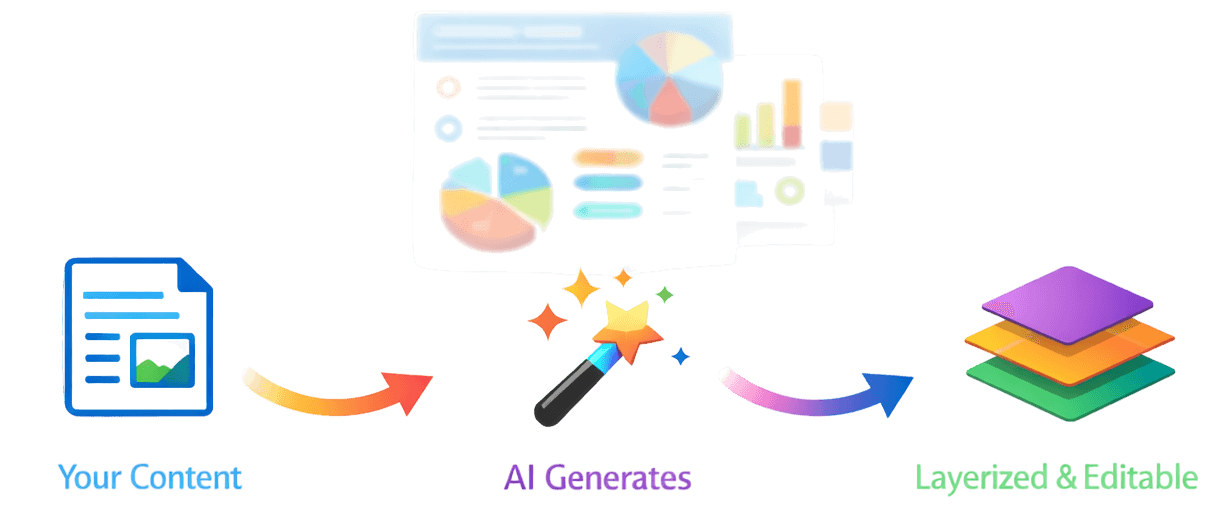
Describe your topic and get a fully layered, editable infographic — not a flat image. Move, restyle, and refine every element on a real whiteboard canvas.
Try it out
See how it works
Describe any topic, pick a style, and generate a fully editable infographic.
Sign up free to generate your first infographic
How it works
From prompt to editable layers in three steps
Describe what you need
Enter a topic, paste an article, or upload an image. The AI understands context and structures your content automatically.
Get layered output
The AI returns a fully structured infographic — every heading, icon, shape, and text block is its own editable layer, not a flat image.
Edit like a designer
Open the whiteboard canvas and move, resize, restyle, or replace any element. Then export or share a link.
Everything you need
Generate, then make it yours
Whether it's a social post or a detailed explainer, every tool is right where you expect it.
Layered Output
Every heading, icon, shape, and text block is its own object — select it, move it, delete it. No more locked pixels.
Whiteboard Editor
A full canvas where you restyle fonts, swap colors, reposition elements, and add your own — just like a design tool.
AI Generation
Describe your topic in plain language. The AI builds a complete infographic with layout, hierarchy, and styling.
Image to Infographic
Upload a screenshot or photo and convert it into a structured, layer-by-layer editable infographic.
Project Organization
Keep your work tidy with projects, folders, and version history for every file.
Export & Share
Download high-res images or share a direct link — ready for presentations, social, or print.